> ## Documentation Index
> Fetch the complete documentation index at: https://docs.bluegenai.com/llms.txt
> Use this file to discover all available pages before exploring further.
# Codebase and Database view
> Browsing the generated source tree and inspecting the application database, including running SQL against it.
Two panels let you inspect what the agent built: **Codebase** for the source tree, **Database** for the data behind it.
## Codebase
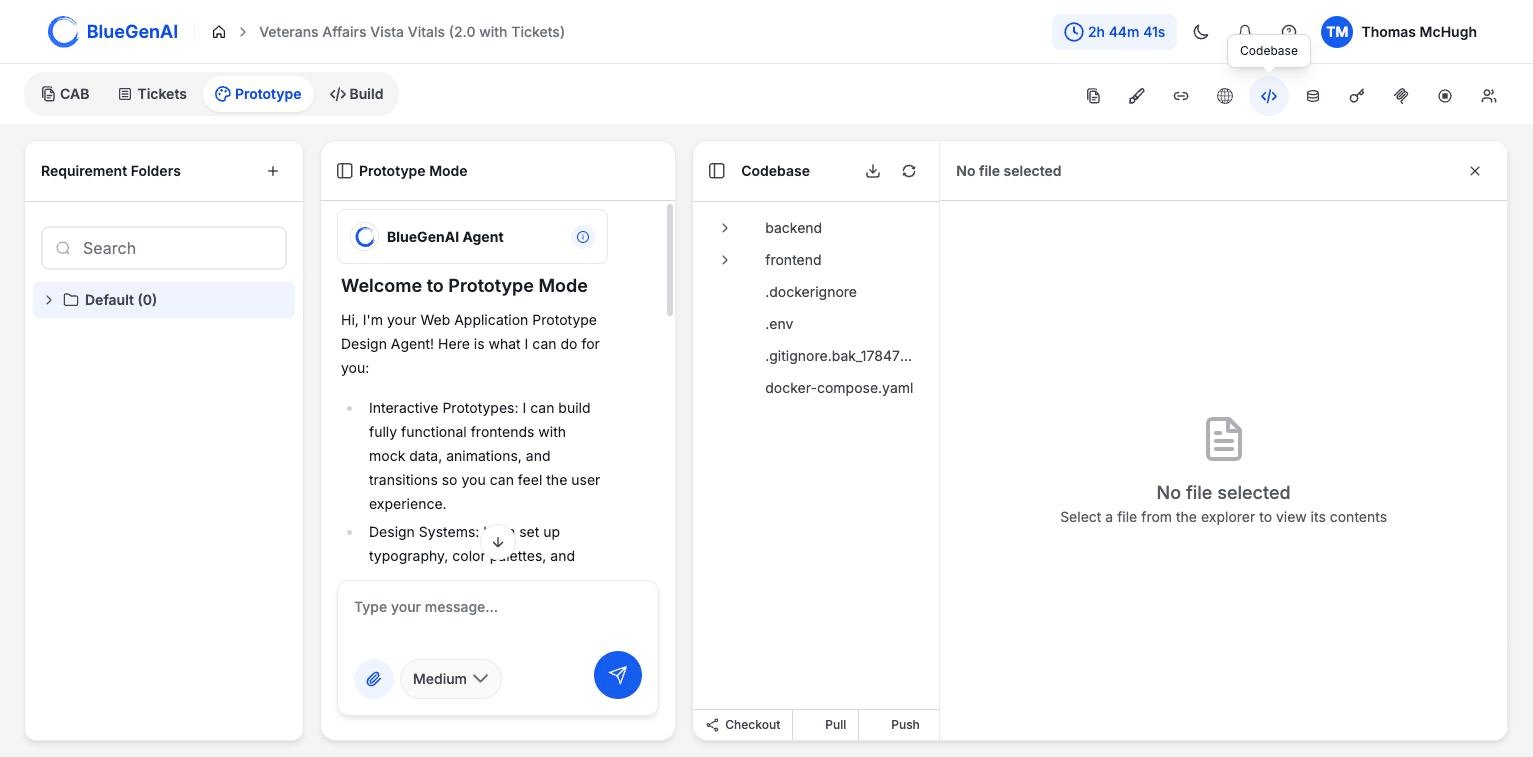 The tree shows the project as the agent built it. Selecting a file opens it in the viewer; until you do, the viewer reads `No file selected`.
The header carries a download control and a refresh control. The footer carries **Checkout**, **Pull**, and **Push**; see [Git Integration](/web-apps/git-integration).
## Database
The **Database Viewer** has two modes, selected by a toggle in its header.
### Browse
The tree shows the project as the agent built it. Selecting a file opens it in the viewer; until you do, the viewer reads `No file selected`.
The header carries a download control and a refresh control. The footer carries **Checkout**, **Pull**, and **Push**; see [Git Integration](/web-apps/git-integration).
## Database
The **Database Viewer** has two modes, selected by a toggle in its header.
### Browse
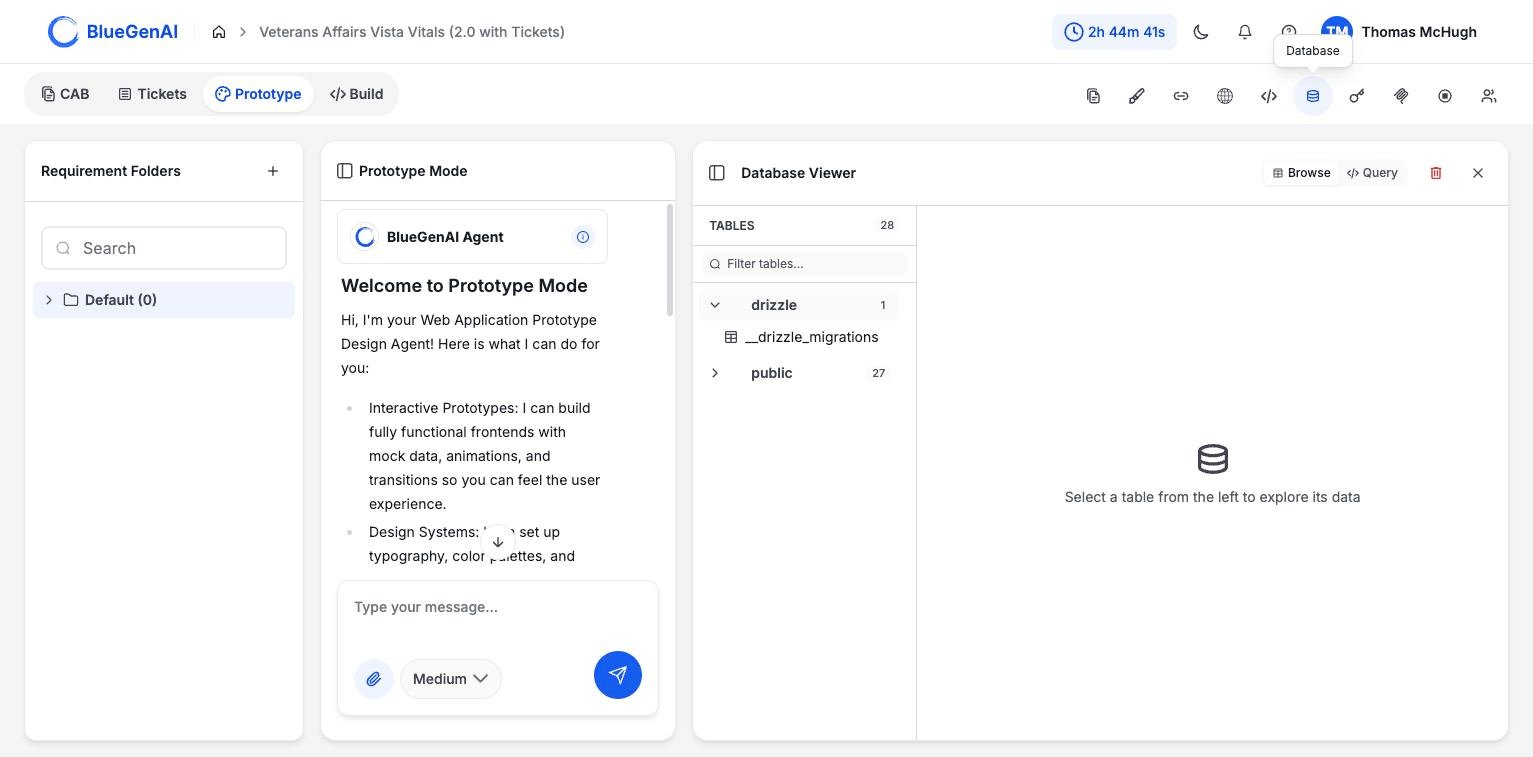 The left column lists schemas and their tables with a count, filterable by name. Selecting a table shows its rows.
The `drizzle` schema holds the migration bookkeeping the ORM maintains. Your application's own tables are in `public`.
### Query
The left column lists schemas and their tables with a count, filterable by name. Selecting a table shows its rows.
The `drizzle` schema holds the migration bookkeeping the ORM maintains. Your application's own tables are in `public`.
### Query
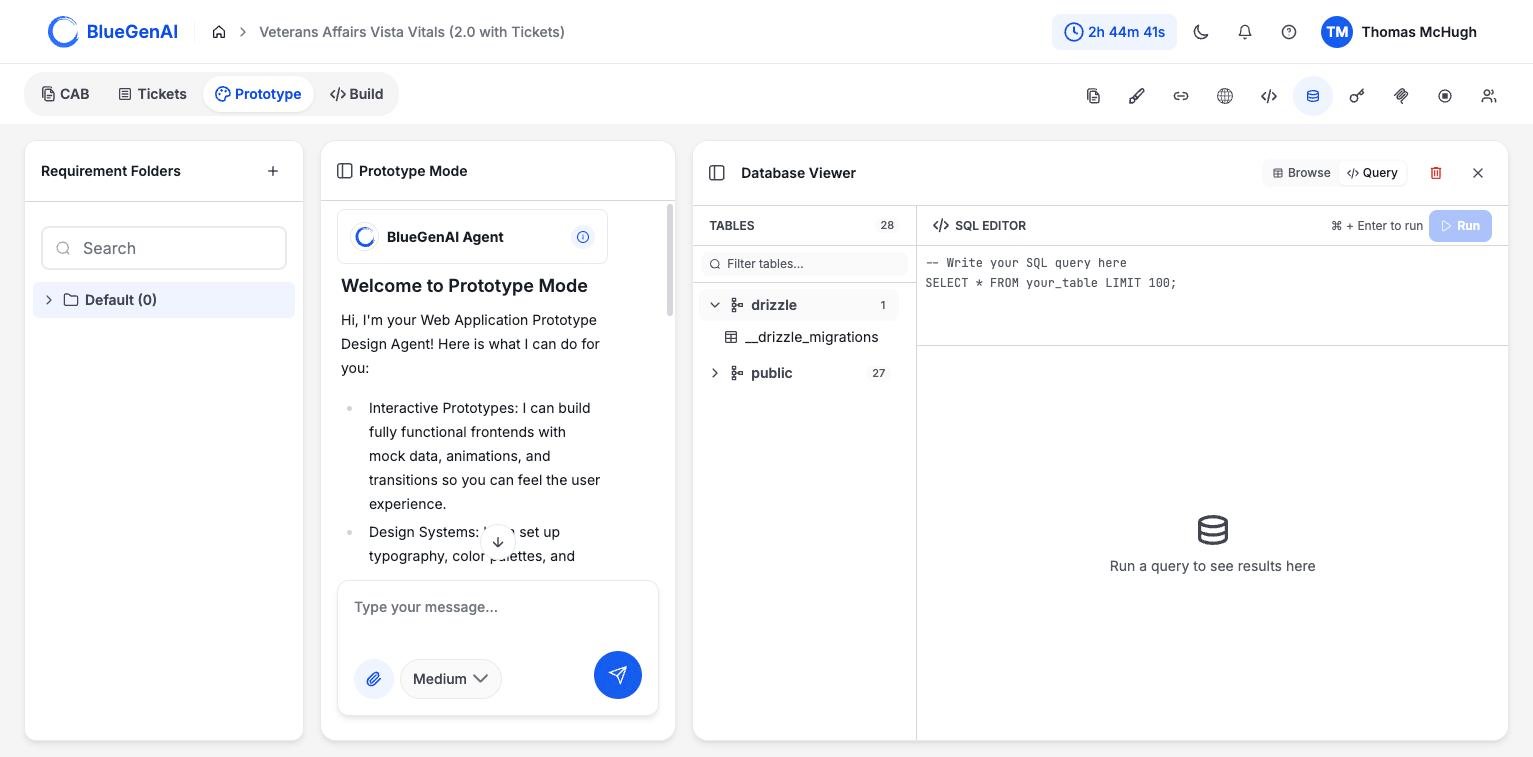 The editor runs SQL against the application database. It opens with a template, and the results area reads `Run a query to see results here` until you run something. `⌘ + Enter` runs the query.
## Deleting the Database
The editor runs SQL against the application database. It opens with a template, and the results area reads `Run a query to see results here` until you run something. `⌘ + Enter` runs the query.
## Deleting the Database
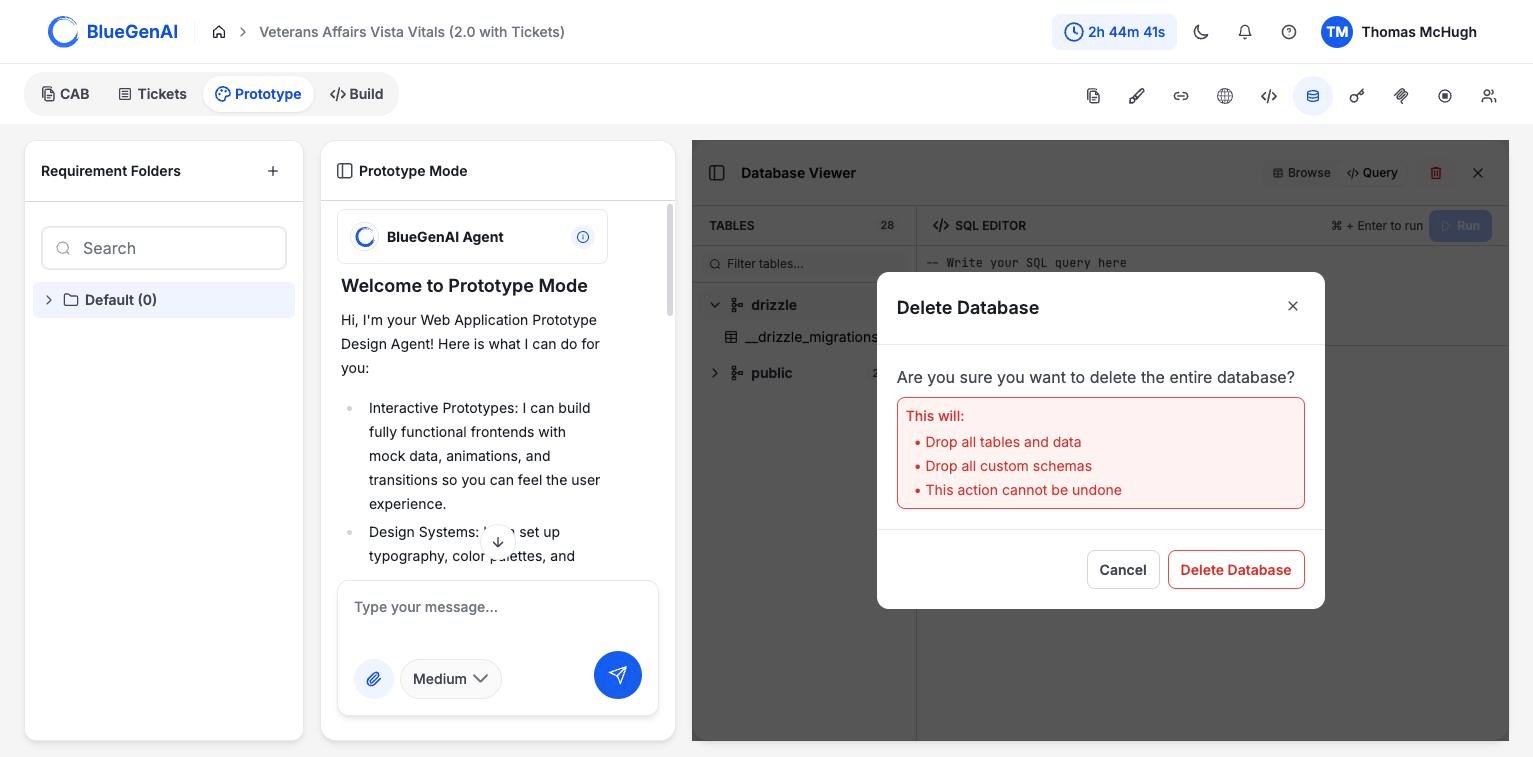 Deleting the database drops every table, all data, and any custom schemas. It cannot be undone, and it does not remove the code that expects those tables to exist.
## When Something Is Not Available
| Message | What it means |
| ------------------------------------ | --------------------------------------------------------------- |
| `Database connection is unavailable` | The application is not running, or its database has not started |
| `SQL query cannot be empty` | Run was triggered with nothing in the editor |
| `Failed to get tables` | The database responded but the schema could not be read |
If the connection is unavailable, start the application and let its health checks pass before retrying. See [Deployment Guide](/web-apps/build-mode/deployment-guide).
## Your Next Step
Reading the code is one way to check the agent's work. Asking it to explain itself is another.
A read-only mode that traces behaviour and cites its evidence.
Checkout, pull, and push from the Codebase panel.
## Related topics
- [Troubleshooting & FAQ](/tips-and-tricks/troubleshooting-faq.md)
- [Weekly release notes](/changelog/weekly-release-notes.md)
- [Deployment Guide](/web-apps/build-mode/deployment-guide.md)
- [Default Tech Stack](/web-apps/build-mode/tech-stack-reference.md)
- [Workflow](/web-apps/prototype-mode/workflow.md)
Deleting the database drops every table, all data, and any custom schemas. It cannot be undone, and it does not remove the code that expects those tables to exist.
## When Something Is Not Available
| Message | What it means |
| ------------------------------------ | --------------------------------------------------------------- |
| `Database connection is unavailable` | The application is not running, or its database has not started |
| `SQL query cannot be empty` | Run was triggered with nothing in the editor |
| `Failed to get tables` | The database responded but the schema could not be read |
If the connection is unavailable, start the application and let its health checks pass before retrying. See [Deployment Guide](/web-apps/build-mode/deployment-guide).
## Your Next Step
Reading the code is one way to check the agent's work. Asking it to explain itself is another.
A read-only mode that traces behaviour and cites its evidence.
Checkout, pull, and push from the Codebase panel.
## Related topics
- [Troubleshooting & FAQ](/tips-and-tricks/troubleshooting-faq.md)
- [Weekly release notes](/changelog/weekly-release-notes.md)
- [Deployment Guide](/web-apps/build-mode/deployment-guide.md)
- [Default Tech Stack](/web-apps/build-mode/tech-stack-reference.md)
- [Workflow](/web-apps/prototype-mode/workflow.md)