
Choosing a Platform
Which platforms you can choose is decided at the moment you create the project. Selecting Low Code Application as the Project Type replaces the single fixed Web stack with the four low-code platforms.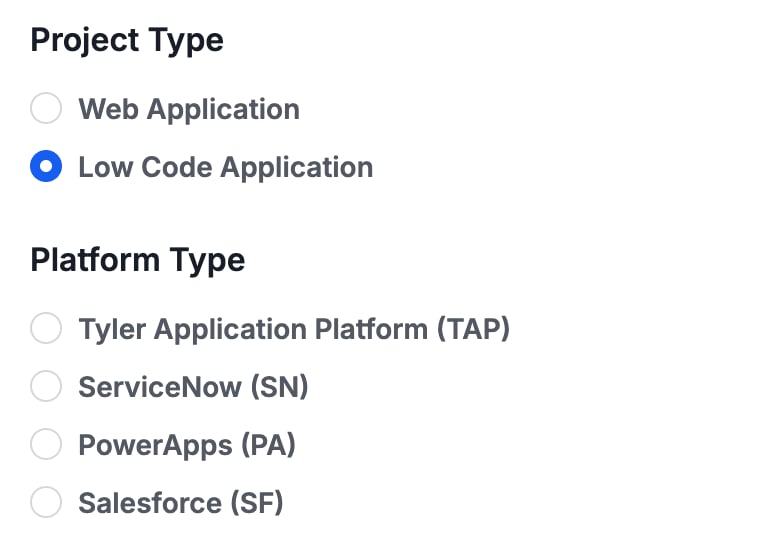
Full-Code and Low-Code Projects Compared
Both start from the same place: requirements, and a specification generated from them. They diverge in what they produce.
The specification is application-neutral, which is what allows the same reviewed blueprint to drive either target. See What is CAB?.
Building in Low Code Platforms (Overview)

At this time, the Tyler Application Platform is the only platform with Prototype Mode.
Where Direct Configuration Stops
All four platforms are reached through APIs rather than by driving their user interfaces, so anything without an API surface has to be done in the platform directly. Salesforce and PowerApps sit at opposite ends of this. On Salesforce everything listed above is applied to the org, including Apex and Lightning Web Components. PowerApps carries an additional and more specific boundary. Security roles, Power Automate flows, and form JavaScript are specified in exact detail rather than applied, because those areas have limited write surface through the tooling. If you are planning a PowerApps build, read that distinction before you start: PowerApps Overview.Your Next Step
Tyler Application Platform
The only platform with both Prototype and Build Mode.
ServiceNow
Seven configuration areas, from tables to Service Portal.
PowerApps
Dataverse schema, model-driven UI, and where the boundary sits.
Start from requirements
How the specification that drives either target gets generated.