
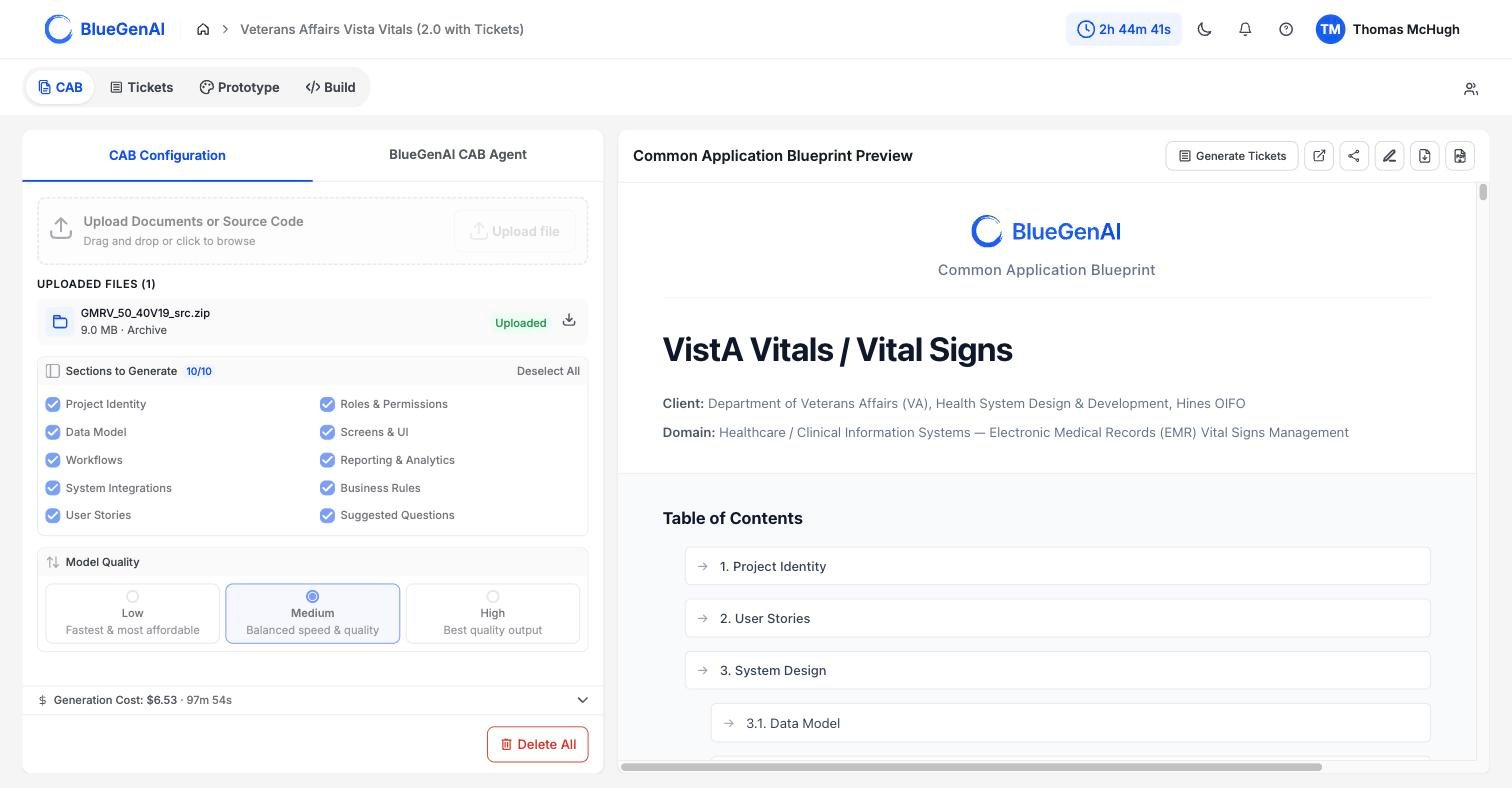
The upload area and file list in CAB Configuration. Each row shows the file size and the category the CAB assigned it.
Source Code, Documentation, or both!
The BlueGenAI platform can tackle virtually any type of application code, no matter how dated or obscure. A COBOL copybook, a MUMPS routine, and a.jsx component - the platform will take it all! This gives you confidence that whatever the filetype or codetype which composes your legacy application - BlueGenAI can handle it.
You may also include any documents, spreadsheets, or other human-readable data and content to generate your CAB. Training guides, Standard Operating Procedures, Requirement Traceability Matrices, or transcripts from a team call - all can be used to generate or update your CAB.
Generate your first blueprint
What you choose before you start, and what happens during the run.
Feed an existing system into a CAB
How uploaded source code becomes requirements.