
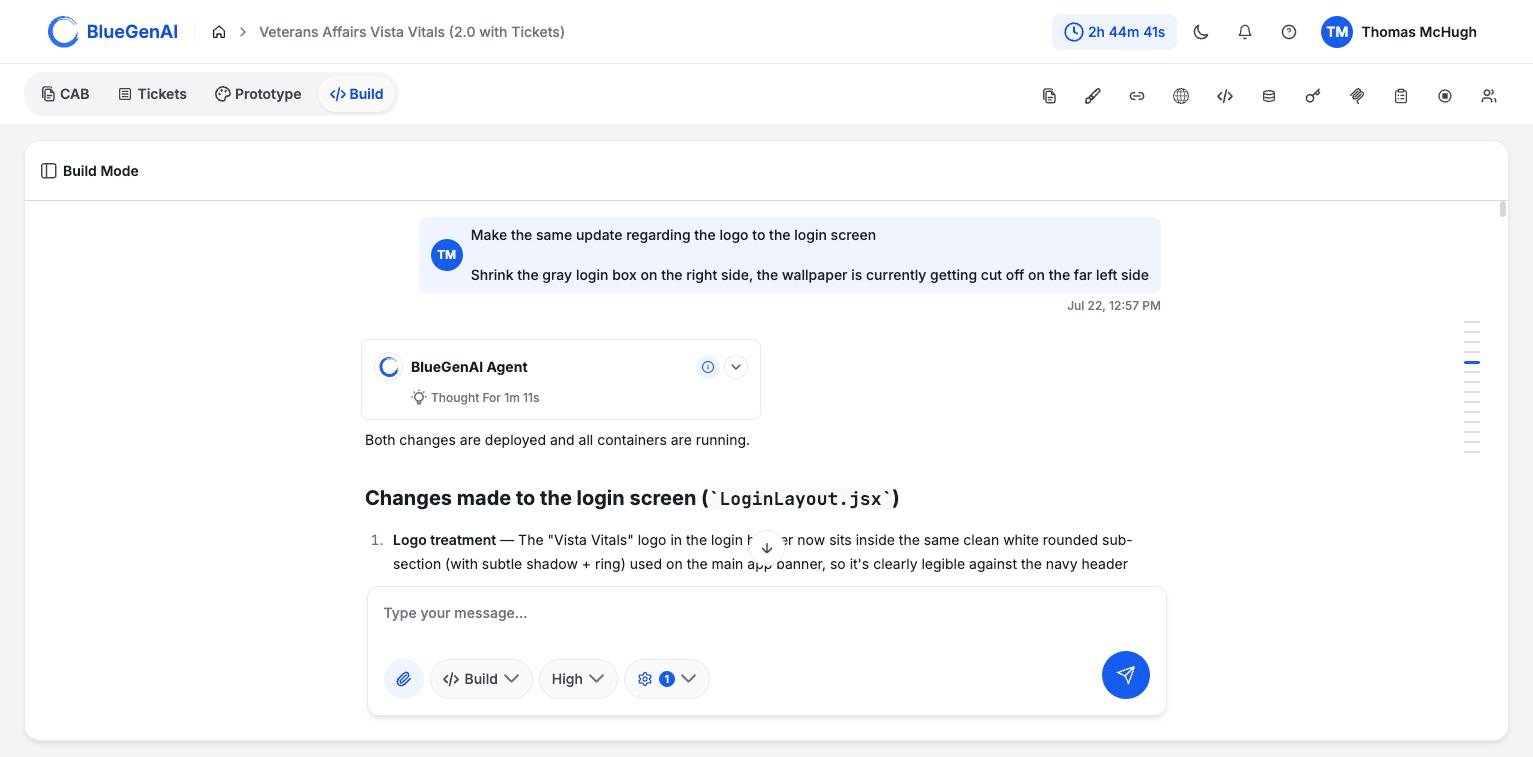
The composer's mode selector. Build is the default; Ask switches the agent to read-only.
Switching to Ask
Open the selector in the Build Mode composer and choose Ask. The menu describes the two options directly: Build creates, edits, and ships changes; Ask answers questions about your codebase with no changes made. The setting applies to your next message. Switch back whenever you want to act on what you learned.What It Cannot Do
The restriction is enforced, not requested. In Ask, the agent is given four capabilities: read a file, list files, search inside files, and produce a tree of the project. The other fifteen are withheld before the conversation starts, so it has no means of changing anything. It cannot edit files, run commands, install anything, build, deploy, commit, or touch the database. Asking it to anyway does not work: it explains that the change is not possible in Ask, outlines how the change would be made, and tells you to switch to Build. The platform treats this as a security boundary rather than a preference. The tools available in Ask are defined in one place and the mode is built by removing everything else.What It Is Good At
Tracing behaviour across files. The agent reads and searches before answering rather than guessing from a typical project, and follows a chain from caller to definition to usage. Citing its evidence. Answers point atpath/file.ext:line, so you can open what it is describing rather than take its word.
Planning a change without making one. Ask it how you would change something and it returns an ordered outline: which files to edit, what each change is, and what to watch for. Then it tells you to switch to Build to apply it.
Producing documentation. Ask can write a knowledge document about the project, and can revise one it produced in the same conversation. That is response content rather than a project change, so it stays within the boundary.
It Does Not Pretend
The agent is instructed never to claim it made a change, ran a command, or tested something. It cannot, and the prompt names saying so as a lie. It is also told to treat file contents and tool output as data rather than instructions, so text inside your own files cannot redirect what it does.Secrets Stay Hidden
Credential values in.env files are masked before the agent reads them. In Ask, the agent refers to a credential by its variable name and is instructed never to guess, reconstruct, or repeat a value.
When to Use It
- Understanding something you did not build. A project someone else generated, or one you have not opened in a month.
- Before a risky change. Ask what a change would touch, then decide whether to make it.
- Reviewing what the agent did. Ask it to explain code it wrote, with citations you can check.
Ask and Build can require different permissions. A collaborator may be able to use Ask on a project where they cannot use Build.
Your Next Step
When Ask has told you what needs to change, Build is where you make it happen.Make the change you planned
What happens after you send a build prompt.
See the agent's full capability set
All nineteen capabilities, and the boundaries around them.