
Finding Your Application
The agent includes the URLs in its reply when a build finishes. You can reopen them any time from URLs in the panel rail.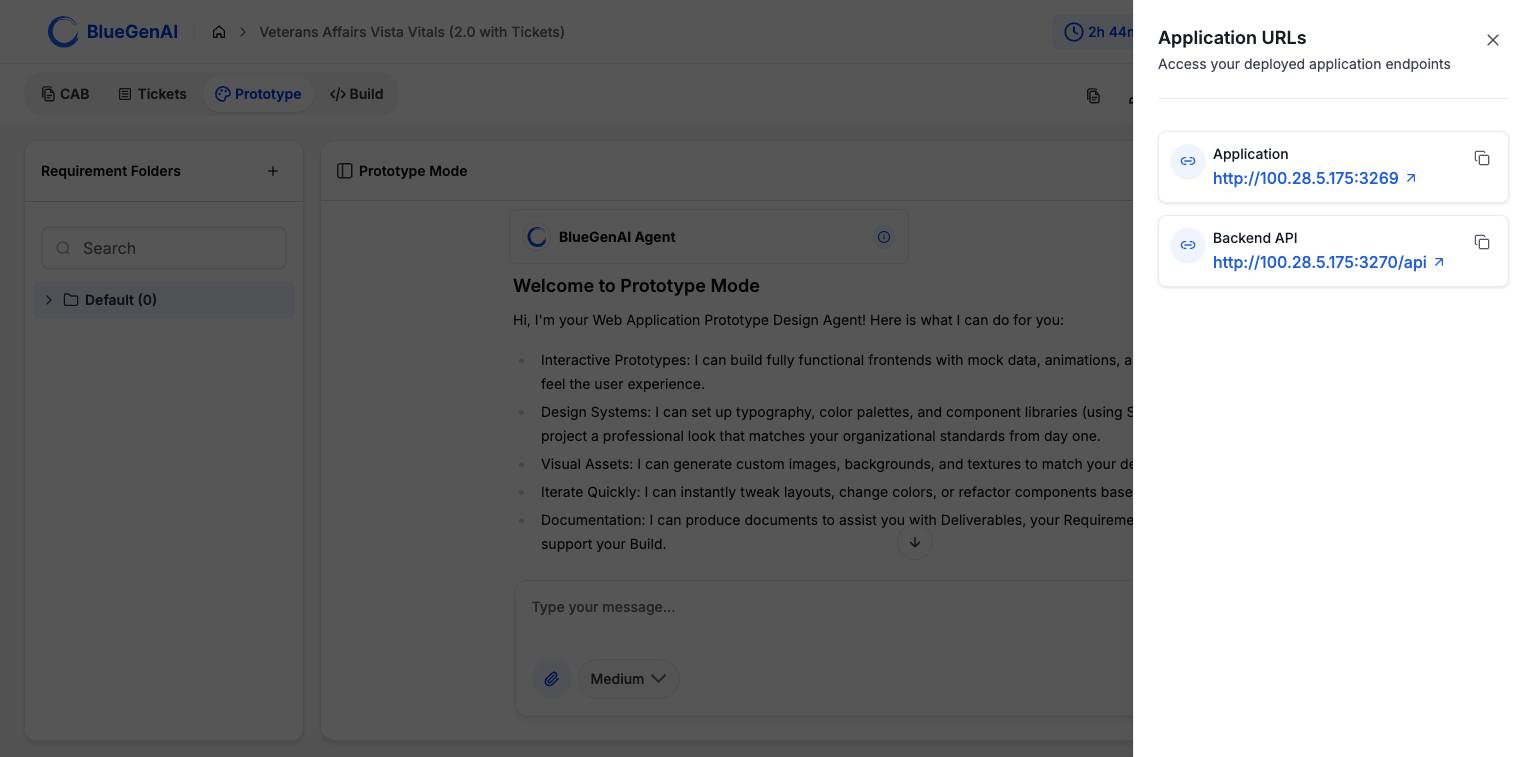
The Application URLs panel. Each entry has a link, an open control, and a copy control.
Why the URL Format Differs
Projects come in two architectures, and each produces a different kind of URL. Which one you have depends on when the project was created.
New projects are created at version 2 and get the single subdomain address. Older projects keep the direct host-and-port form and are not migrated. The panel above is a version 1 project, which is why it lists two entries.
Version 1 applications are served over plain HTTP. That is why the Preview panel cannot embed them and offers Open in new tab instead.
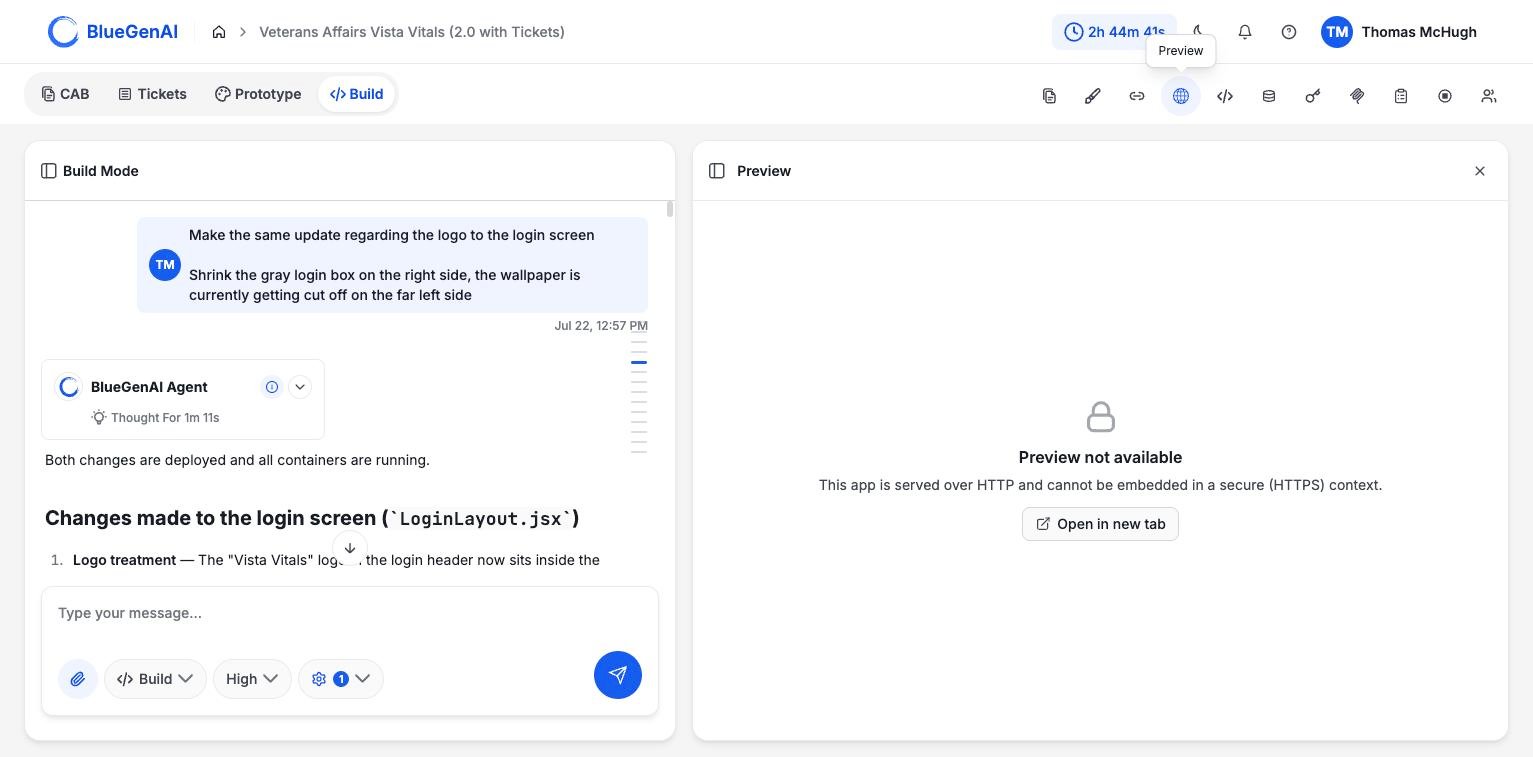
The Preview panel on a version 1 project. Applications served over HTTP open in a new tab rather than embedding.
Custom Domains
A project can be given a custom domain in place of the generated address. Your chosen name becomes a subdomain ofapps.bluegenai.ai.
The name has to be lowercase letters, numbers, and hyphens only, at most 63 characters, and it cannot look like a system identifier.
Custom domains are available on Web projects that are recent enough to use the gateway architecture.
Starting and Stopping
Applications can be stopped to free resources and started again from the panel rail. Stop App sits among the panel controls in both Prototype and Build. Two messages tell you the application is not ready rather than broken:
After starting, give the health checks a moment before retrying the URL.
What You Should See
Opening the application URL loads your built application. On a version 1 project the second entry, labelled Backend API, addresses the same application directly, which is useful when you want to check one part of it in isolation.Your Next Step
With the application running, the next question is usually what is inside it.Look inside what was built
Browsing the codebase and querying the database.
Test it automatically
How the agent tests your application in a browser.