
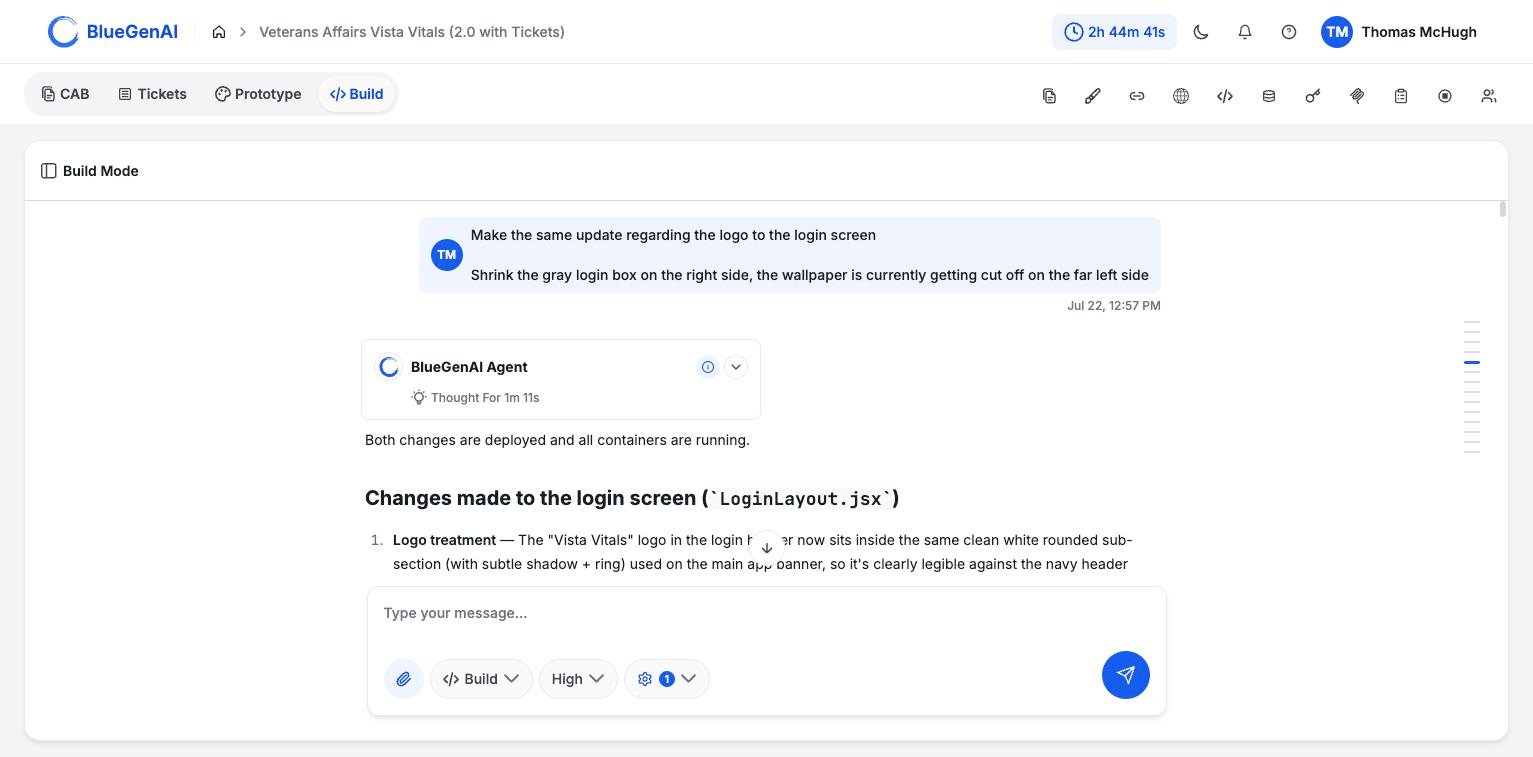
A Build Mode conversation. The agent reports its thinking time, then what it changed.
Submitting a Build Prompt
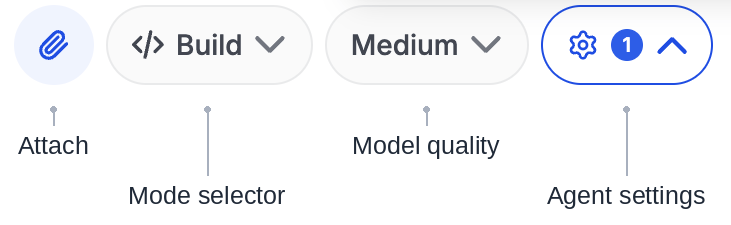
1
Attach anything the agent should work from
Use the paperclip to attach saved prototype files, reference documents, images, etc. Build Mode has not seen your Prototype conversation and does not look at the CAB or Tickets without being specifically directed to do so, so attachments are how context arrives.
2
Check the composer is set to Build
The composer’s selector should read Build rather than Ask. Ask changes nothing, by design.
3
Describe the outcome
Say what the application should do and who it is for. Name any constraints as requirements rather than preferences, and say which part to start with.
These instructions are for manual human-driven prompts. See Using Tickets and Epics in Build Mode for a more structured and enterprise-friendly build process
What Happens Next
The agent classifies your request before acting on it. A clear, specific request goes straight to development. An ambiguous one may require some elaboration first, where the agent writes out its understanding of the requirements and waits for you to approve or correct it. Resolving an ambiguity before code exists is cheaper than discovering it in a finished build.What the Agent Does Before Replying
The agent does not report a build as finished until the application is actually running. Its instructions require it to bring the containers up, confirm they are healthy, and fix anything that fails, before it responds. That is why a single build prompt can sometimes take several minutes and return one message. The work in between is the agent building, running, reading errors, and correcting.What You Should See
A finished build returns a summary of what changed and the URLs to open the application. See Deployment Guide for what those URLs look like. If the agent asks questions instead, that is elaboration. Answer them, correct anything it misread, and approve. The build begins after that.Iterating
Each prompt continues on the existing codebase rather than starting over, so you can build in steps: one capability, check it, then the next.Your Next Step
Knowing what the agent is allowed to do makes it easier to judge what it did.See what the agent can and cannot do
Its tools, its rules, and the limits it works within.
Open your running application
Where your application lives and how to start and stop it.