
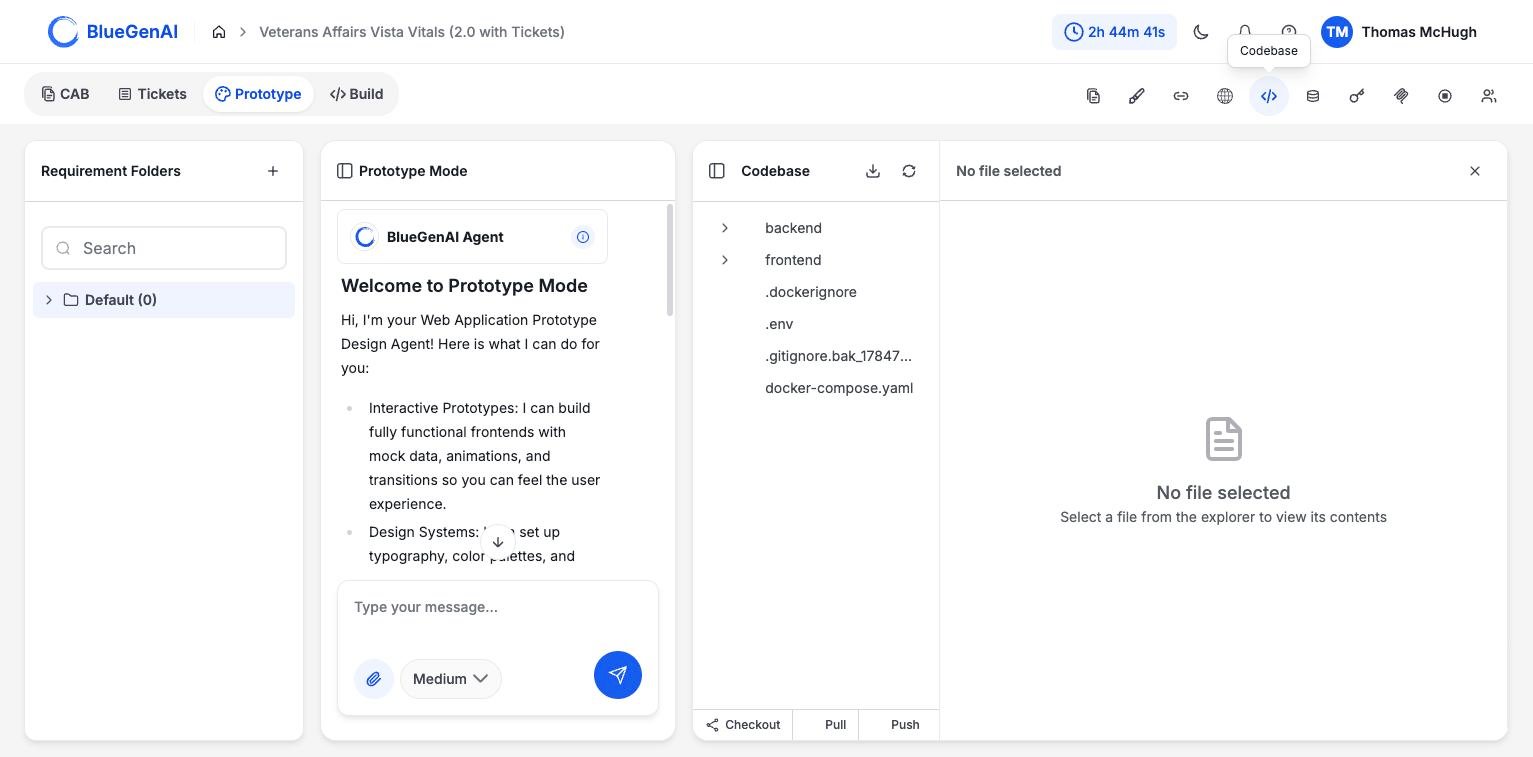
The Git controls sit in the Codebase panel footer.
The Three Controls
Checkout switches branches. Pull brings remote changes into your project. Push sends your project’s commits to the remote. If there are uncommitted changes, you are asked for a commit message so they can be committed and pushed together.What Blocks Them
Git operations are refused while a build is running, because the agent is writing to the same files.Where the Repository Lives
Projects are backed by a self-hosted Git server rather than an external host. Access is managed for you, and the platform can reset your access token if it stops working.This Is Not the Same as Checkpoints
The controls above are for the project’s repository: branches and moving commits to and from a remote. Checkpoints are separate and automatic. The platform saves one with every prompt you send the build agent, and you restore one from the conversation rather than from here. See Build Agent Guide. Use Git when you want the code in a repository your other tools can reach. Use a checkpoint restore when you want to undo what the agent just did.Your Next Step
With the code in a repository, the rest of your toolchain can reach it.Browse what you are pushing
The source tree and the application database.
See how the code got there
What the agent is allowed to write, and where.