
Codebase
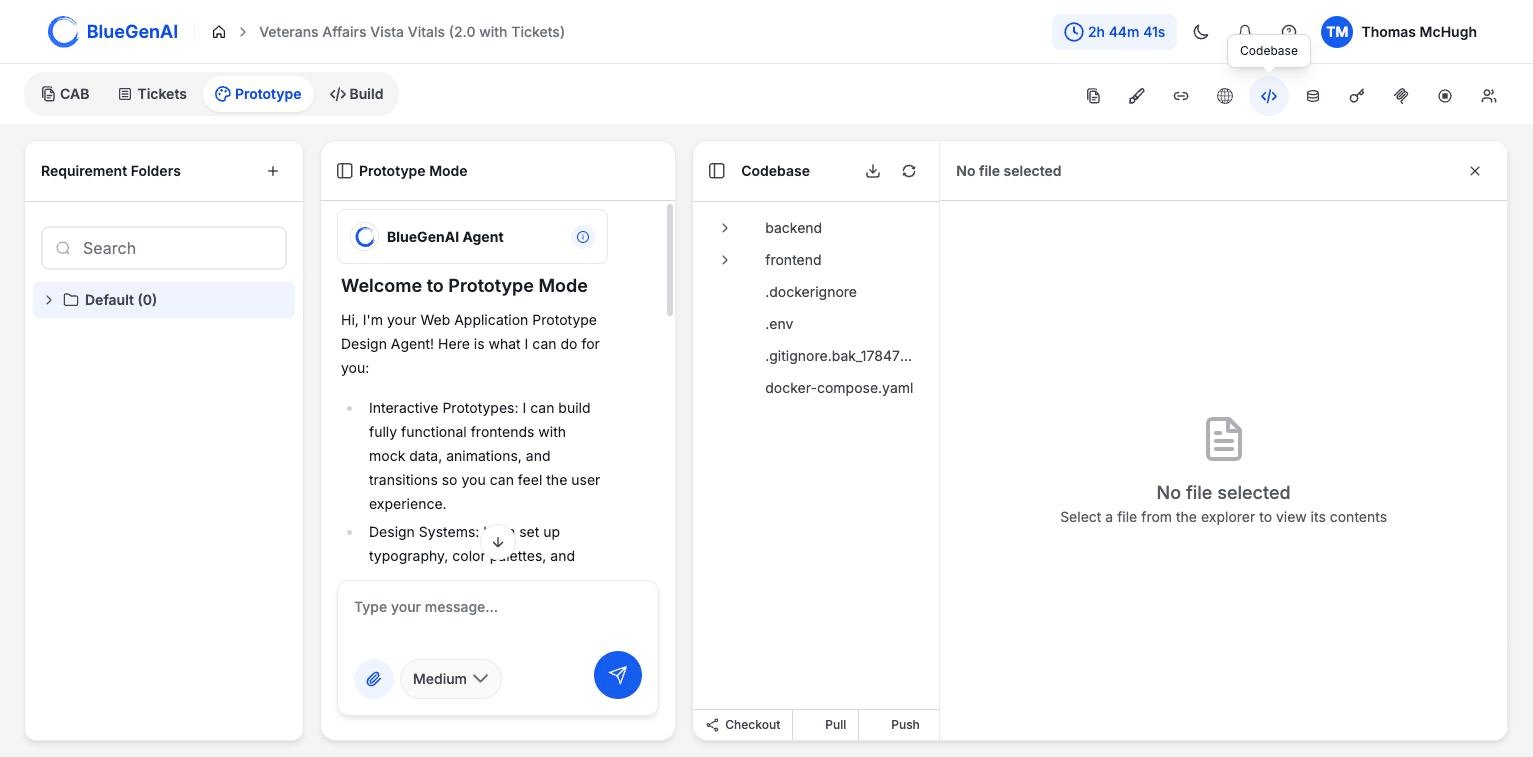
The Codebase panel. The tree is on the left, the file viewer on the right, and the Git controls sit in the footer.
No file selected.
The header carries a download control and a refresh control. The footer carries Checkout, Pull, and Push; see Git Integration.
Database
The Database Viewer has two modes, selected by a toggle in its header.Browse
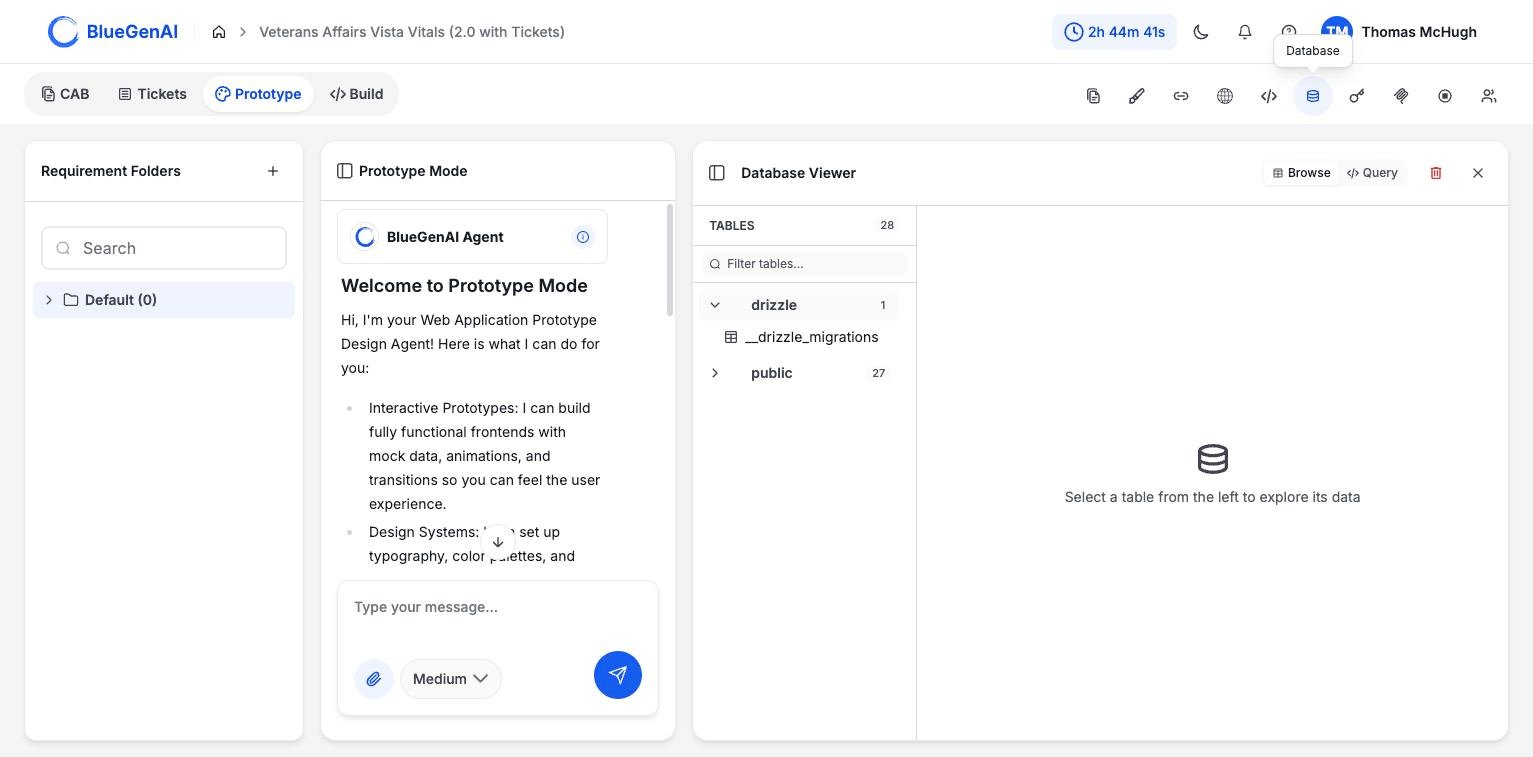
Browse mode before a table is selected. Schemas and their table counts are on the left.
drizzle schema holds the migration bookkeeping the ORM maintains. Your application’s own tables are in public.
Query
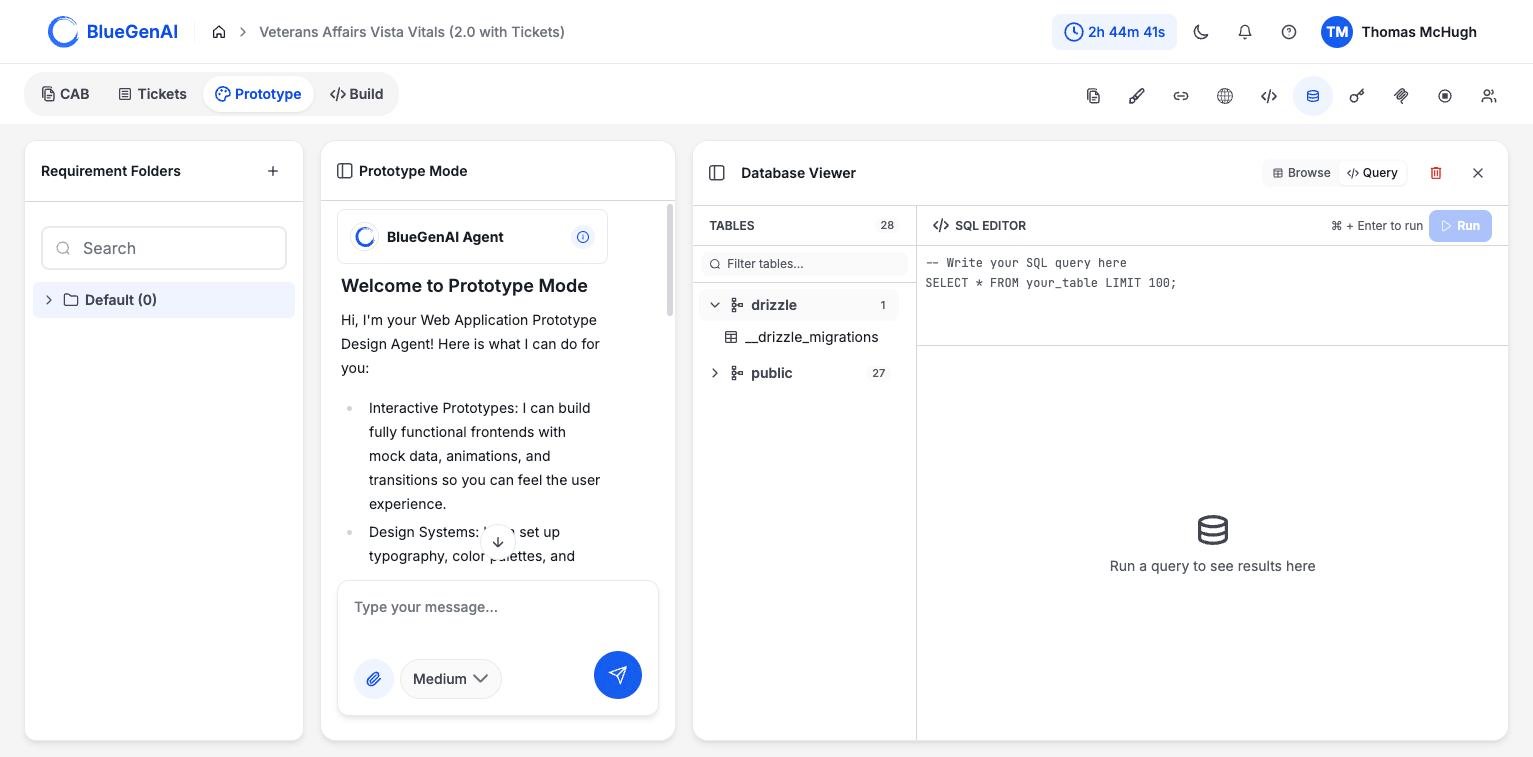
Query mode. The editor is pre-filled with a template, and Run stays disabled until you write something.
Run a query to see results here until you run something. ⌘ + Enter runs the query.
Deleting the Database
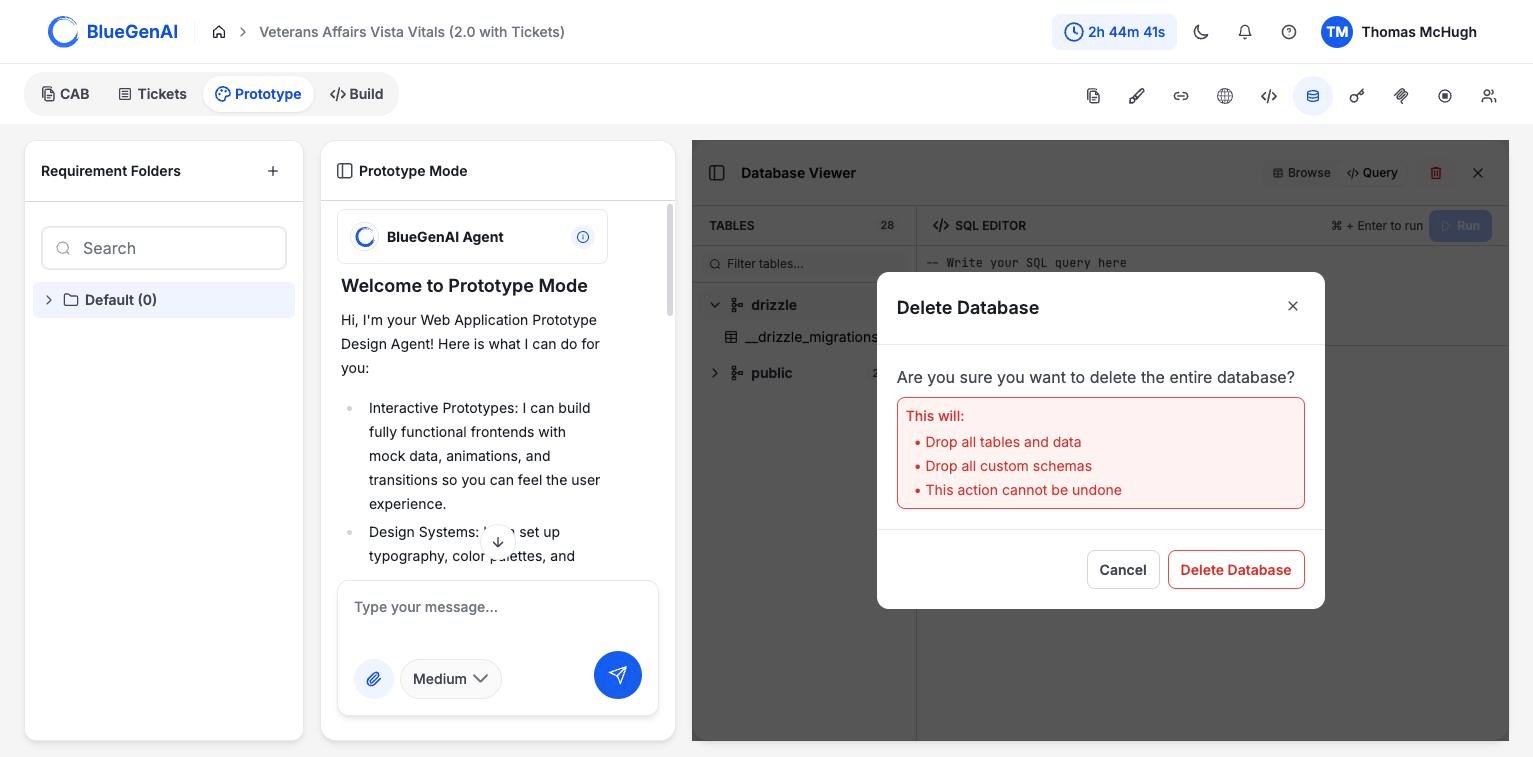
The delete confirmation lists exactly what is dropped.
When Something Is Not Available
If the connection is unavailable, start the application and let its health checks pass before retrying. See Deployment Guide.
Your Next Step
Reading the code is one way to check the agent’s work. Asking it to explain itself is another.Ask about the code instead of reading it
A read-only mode that traces behaviour and cites its evidence.
Push the code to a repository
Checkout, pull, and push from the Codebase panel.